


This is written for people who have never written a line of code. If you have used ChatGPT or other AI chatbots but wondered what it would be like if the AI could actually do the work instead of just telling you what to do, this is where you start.
I did not start with Claude Code. I started with Claude the chatbot, the same week Anthropic launched Skills. For weeks I was deep in that world, building custom skills and connecting Claude to external services through MCP servers. It was impressive. But when I finally opened Claude Code a couple of months later, I understood within minutes that everything before had been a warm-up.
The difference was simple: the chatbot tells you what to do. Claude Code does it. It read my files, wrote the code, ran it, hit an error, fixed the error, and kept going while I watched. The first time I built a plugin, it felt like being handed the key to a new universe. Then I asked it to build an iOS app. I have never written Swift. A working app appeared on my phone. Then a GraphRAG solution. Then MCP servers that I deployed to production. Over the following weeks, one person with no professional coding background built 18 repositories, 10 plugins, 4 production MCP servers, and a content platform with automated pipelines. Not because I learned to code. Because I learned to be clear about what I wanted.
If the idea of a terminal window feels intimidating, I understand. That was a real barrier for me too. But here is what I wish someone had told me earlier: your plain English is the programming language now. You do not need to learn syntax. You need to get past that first barrier, be clear about what you want to build, and stay curious. That first hour is all it takes to see it.
What Is Claude Code?
Claude Code is made by Anthropic, the AI company behind Claude. Most people know Claude as a chatbot you talk to on a website. Claude Code is something different: an autonomous coding agent that takes action on your behalf.
You describe what you want in plain English. Claude Code reads your files, writes the code, creates the files, runs commands, checks the result, and keeps going until the job is done. If something breaks, it fixes it. If it needs more information, it asks. This is not a chatbot that tells you what to do. It does it.
A chatbot tells you what to do. Claude Code does it.
The Claude Family
Claude is not one product. It is a family: a chatbot, a browser version, a desktop app with three tabs, and a terminal agent. They share the same AI, but they give you very different levels of control. Understanding which is which will save you from starting in the wrong place.
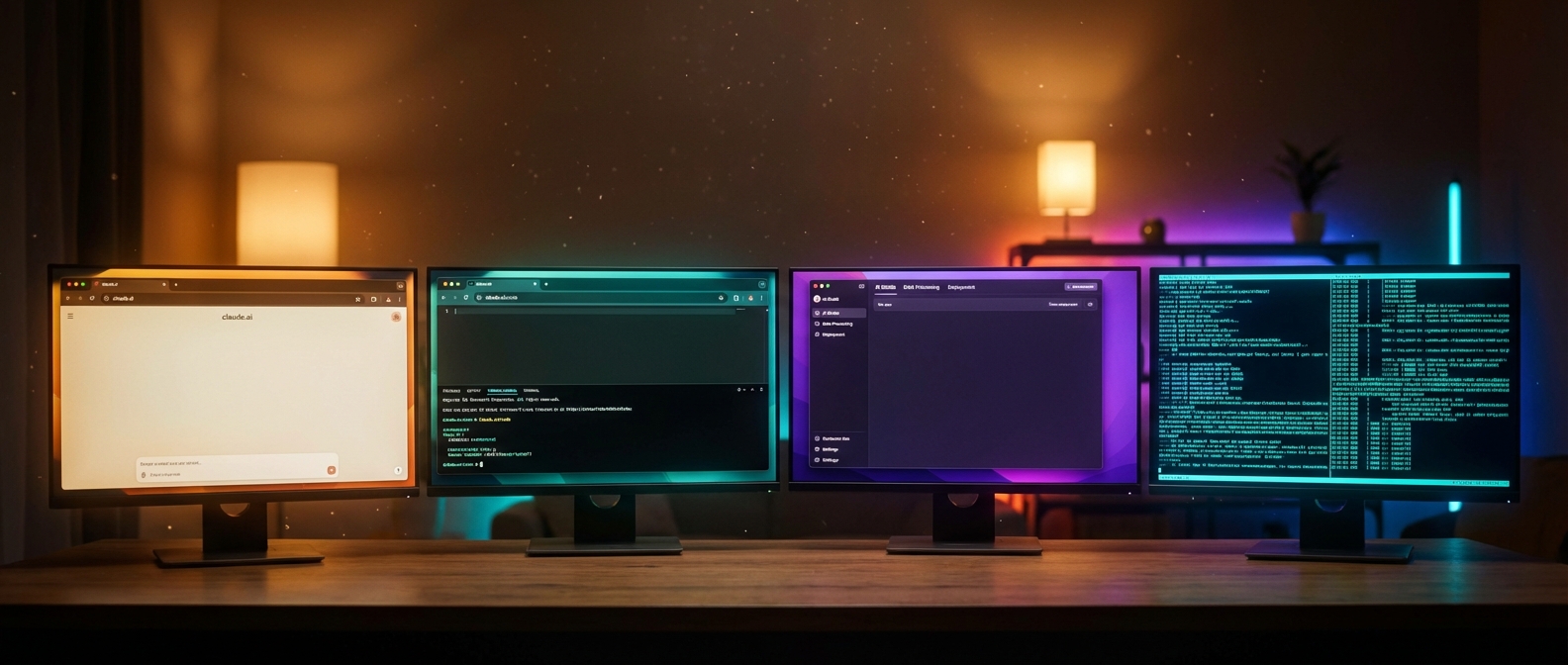
Four ways to use Claude. Same AI, different capabilities. The further right you go, the more you can do. Click to enlarge.
claude.ai
The chatbot. Ask questions, upload files, create documents. Free tier available. Cannot access your computer or run commands.
claude.ai/code
Claude Code in the browser. Connects to GitHub repos. Runs in a cloud VM. No installation needed. More limited than local.
Desktop App
Three tabs: Chat (the chatbot), Code (Claude Code with visual tools), Cowork (autonomous agent, Apple Silicon only).
Terminal
Claude Code at full power. Every feature, every integration. Scriptable, composable, extensible. This is what this article covers.
| claude.ai | claude.ai/code | Desktop Code | Cowork | Terminal | |
|---|---|---|---|---|---|
| Basics | |||||
| Ask questions, get answers | ✓ | ✓ | ✓ | ✓ | ✓ |
| Read and edit files | Upload only | GitHub repos | ✓ Local | ✓ Cloud VM | ✓ Local |
| Run commands | — | ✓ Cloud | ✓ | ✓ Cloud | ✓ |
| Work autonomously in background | — | ✓ | — | ✓ | ✓ |
| Works without installation | ✓ | ✓ | — | — | — |
| Building and coding | |||||
| Build apps from plain English | — | ✓ | ✓ | — | ✓ |
| Project memory (CLAUDE.md) | — | Repo only | ✓ | — | ✓ |
| Visual diff review | — | ✓ | ✓ | — | — |
| Live preview of what you build | — | — | ✓ | — | — |
| Drag in images and PDFs | Upload | — | ✓ | — | — |
| Tools and integrations | |||||
| Connect external tools (MCP) | — | — | ✓ Visual UI | — | ✓ Config file |
| Plugins | — | — | ✓ | — | ✓ |
| Custom commands (/skills) | — | — | ✓ | — | ✓ |
| Scheduled recurring tasks | — | — | ✓ | — | — |
| Auto-fix pull requests | — | — | ✓ | — | — |
| Full power (terminal only) | |||||
| Scripting and automation (CI/CD) | — | — | — | — | ✓ |
| Agent teams (parallel Claudes) | — | — | — | — | ✓ |
| Third-party AI providers | — | — | — | — | ✓ |
| Headless mode (no UI needed) | — | — | — | — | ✓ |
| Pipe input/output to other tools | — | — | — | — | ✓ |
| Agent SDK (build your own tools) | — | — | — | — | ✓ |
| Access | |||||
| Free tier | ✓ | — | — | — | — |
| Linux support | — | ✓ | — | — | ✓ |
| Requires Apple Silicon (Mac) | — | — | — | ✓ | — |
| Monthly cost (Pro plan) | $20 | $20 | $20 | $20 | $20 |
Features as of March 2026. Anthropic updates Claude frequently.
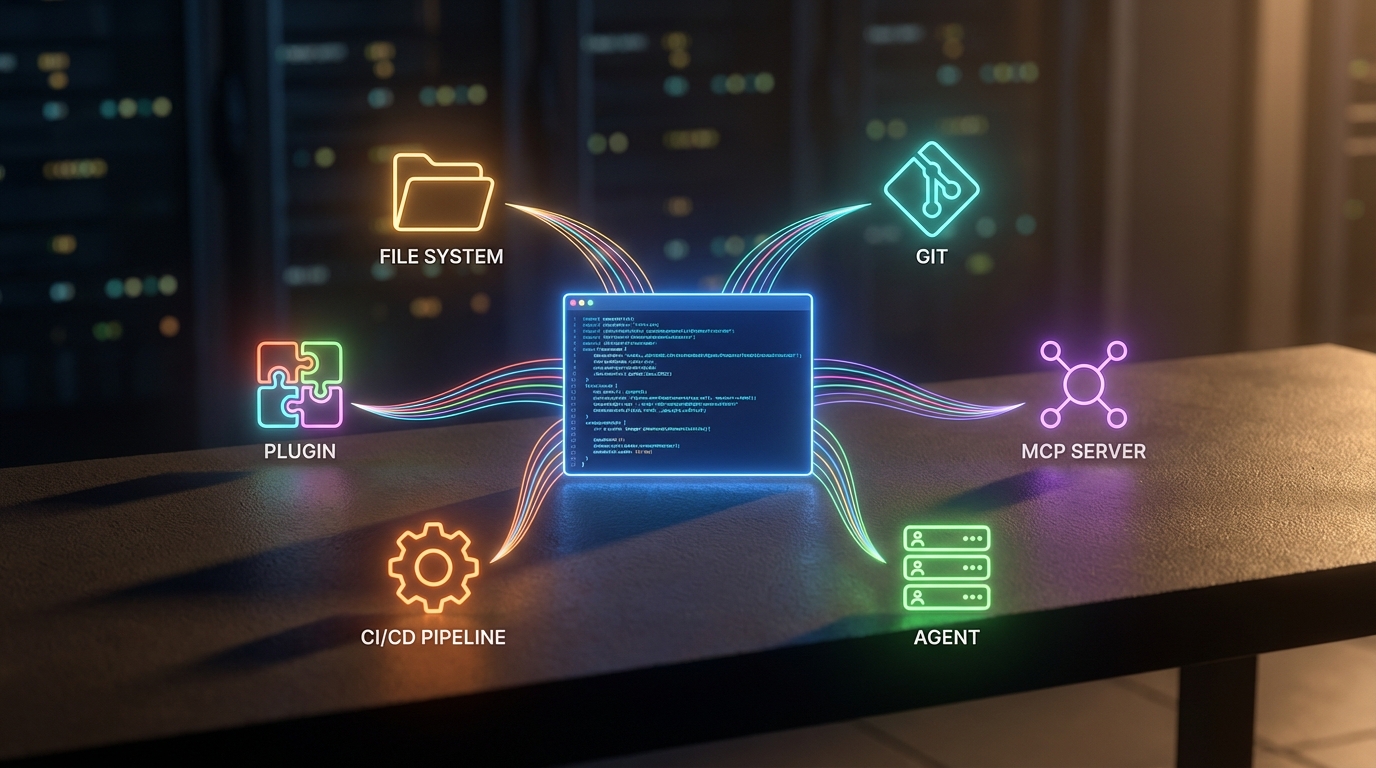
The terminal is the hub. Everything connects through it. Click to enlarge.
Claude Code is not just about code. In the terminal you can build apps, automate tasks, connect external tools, run multiple Claude instances in parallel, and integrate into CI/CD pipelines. The Desktop Code tab is the most visual starting point. Cowork runs tasks autonomously in the background. But the terminal is where all capabilities meet. That is where you unlock the full potential. That is what this guide teaches you.

Open the guide →
The Agent Loop
What makes Claude Code fundamentally different from a chatbot is the agent loop. When you give it a task, it does not produce one response and stop. It runs a cycle:
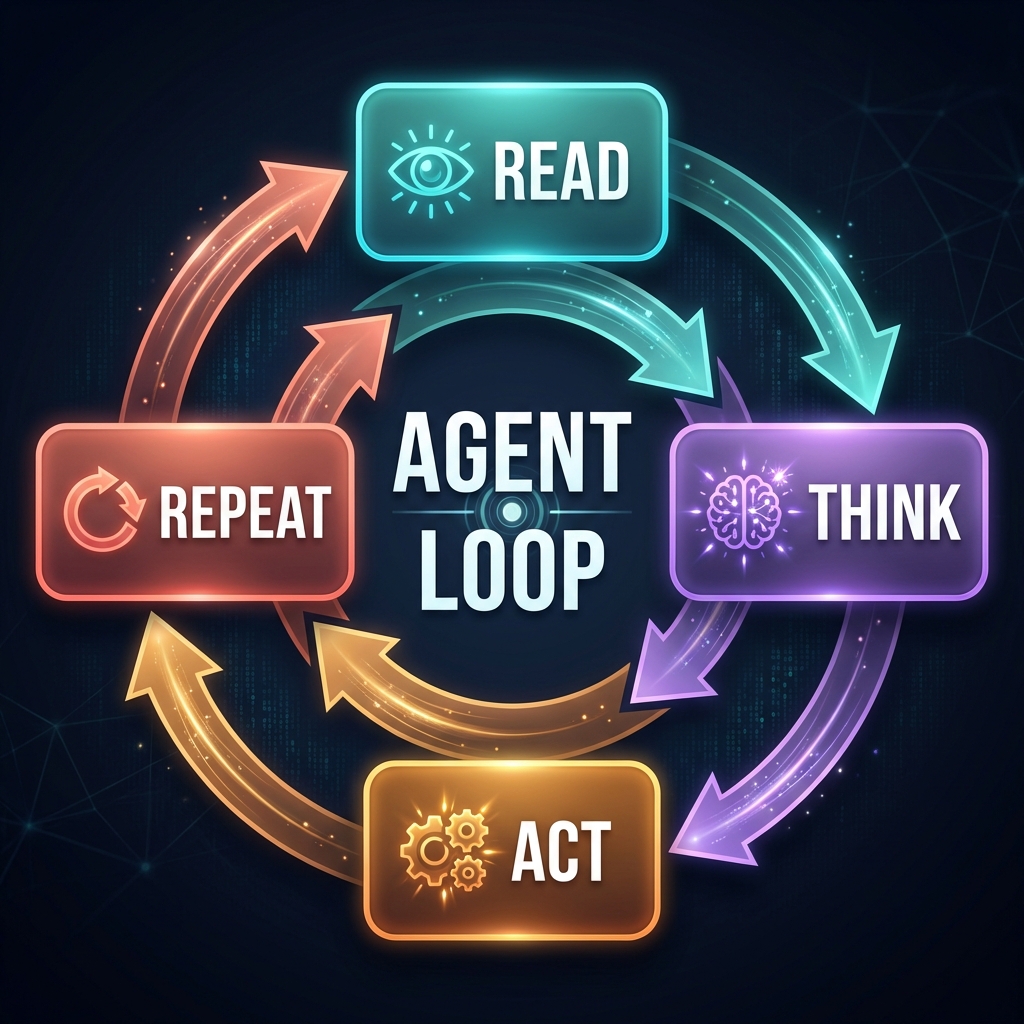
The agent loop: read, think, act, check, repeat. This is what turns a chatbot into an agent. Click to enlarge.
You say “add dark mode to this website.” Claude Code reads your CSS, figures out the color scheme, creates a toggle button, writes the styles, tests for errors, and fixes what breaks. All from one sentence. The loop keeps going until the job is done or it needs your input. You stay in control: Claude Code asks permission before every file it creates and every command it runs.
Your First Project: A Todo App
Reading about Claude Code is one thing. Watching it build something from nothing is another.
You type one sentence. Claude Code reads the empty folder, plans the app, writes the HTML, CSS, and JavaScript, creates the file, and asks for your approval. Open it in your browser. Working app. Dark mode, tasks that save between sessions, mark done, delete.
Then you iterate. Five prompts, five features: categories, search, due dates, mobile layout. Each prompt builds on the last. Claude Code reads the existing file, understands the design, and adds the new feature without breaking anything. No starting over. No copy-pasting code from a tutorial.
The moment you see a working app that did not exist two minutes ago, built from one sentence, the relationship with AI changes.
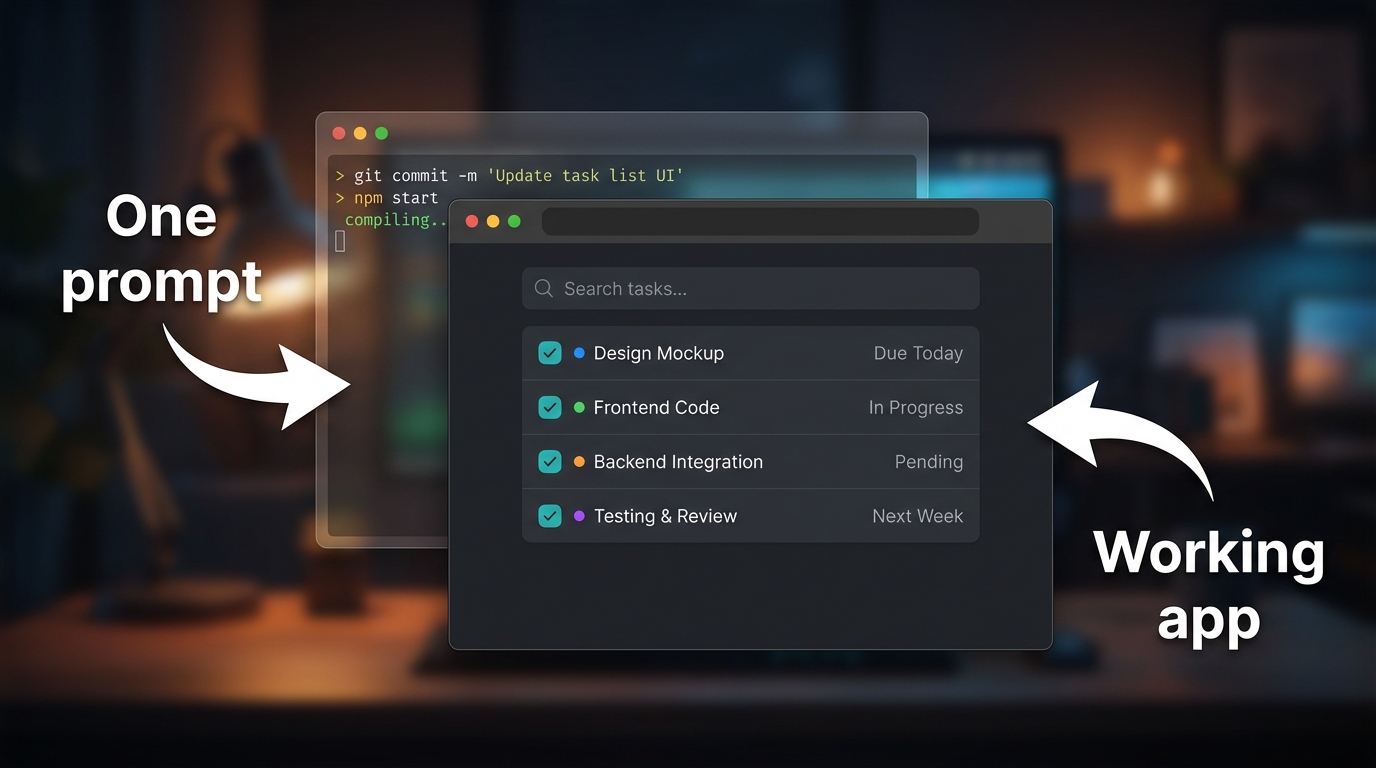
From one prompt to a working app. The todo app with categories and search, built iteratively in Claude Code. Click to enlarge.
git.fromaitochitta.com/ktg/claude-code-first-project
No coding required. Follow the README.
What to Try Next
You have Claude Code installed and a working project. Three directions from here:
- Keep iterating. Add drag-and-drop, a dark/light mode toggle, export to text file. Each feature is one prompt. The companion guide has five prompts ready to paste.
- Try it on your own files. Navigate to any folder, start Claude Code, and ask: “Read all the files here. Tell me what you found and suggest three improvements.”
- Give Claude a memory. The next article covers CLAUDE.md, a file that gives Claude Code permanent knowledge about your project. Without it, every session starts from zero.
git.fromaitochitta.com/ktg/claude-code-first-project
